
Review
Menus LiteA last check before you go live: Menuzi lists anything missing, and you fix it right there.
Where to find it:
- Menus
- Your menu
- Review
A checklist, not a gate
Review looks through your whole menu for things that are easy to miss: an item without a price, a dish without a photo, a section with nothing in it. Nothing here stops you from publishing. It's there so guests don't find the gaps first.
The screen
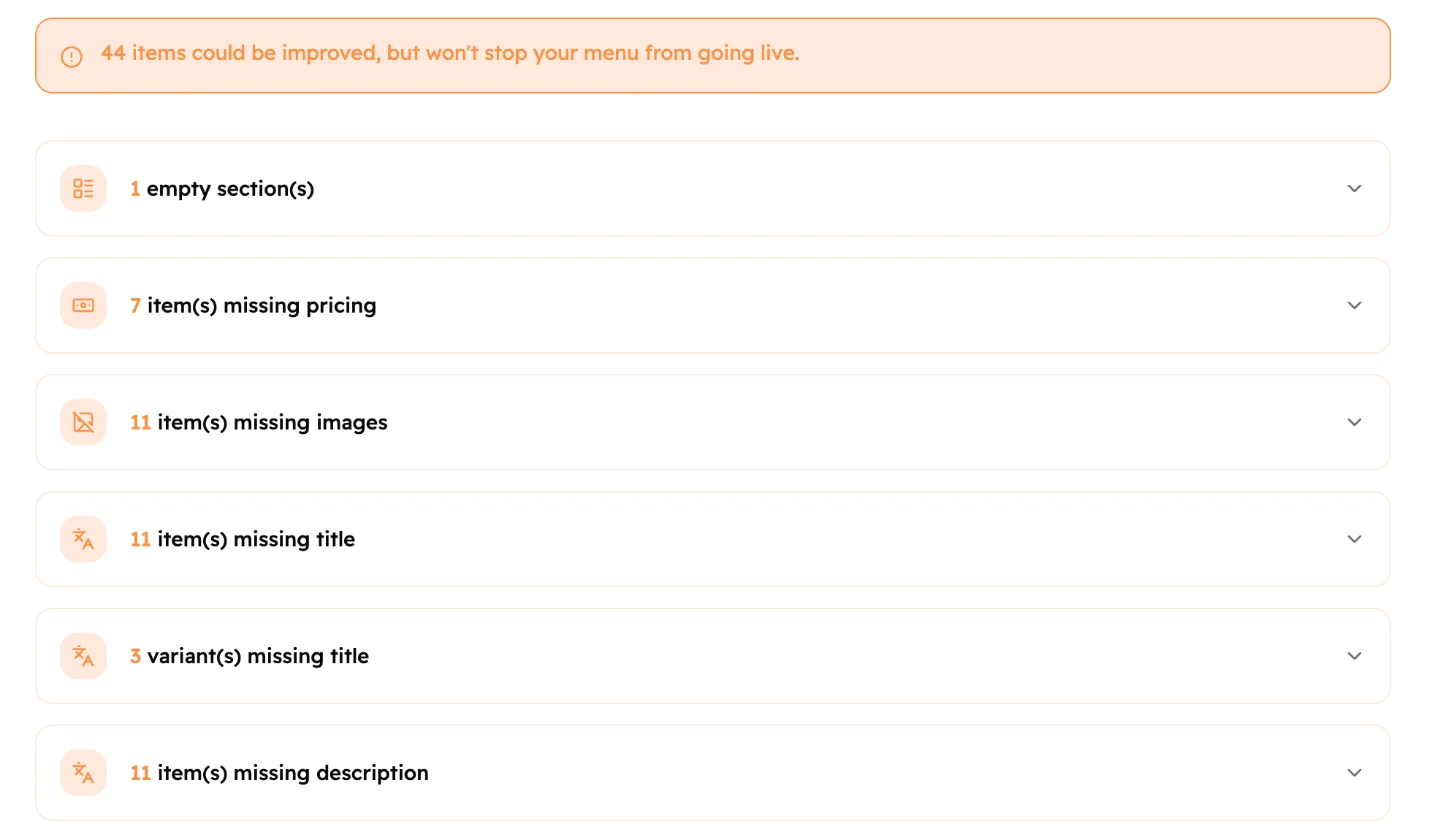 12
12- How many things could be better.
- One group per kind of gap. Tap a group to open it.
Review looks for:
- sections with no items;
- items with no price;
- items with no photo;
- sections, items and sizes with a missing name in one of your languages;
- sections and items with no description.
Fix things
Each line has a button that fixes it on the spot:
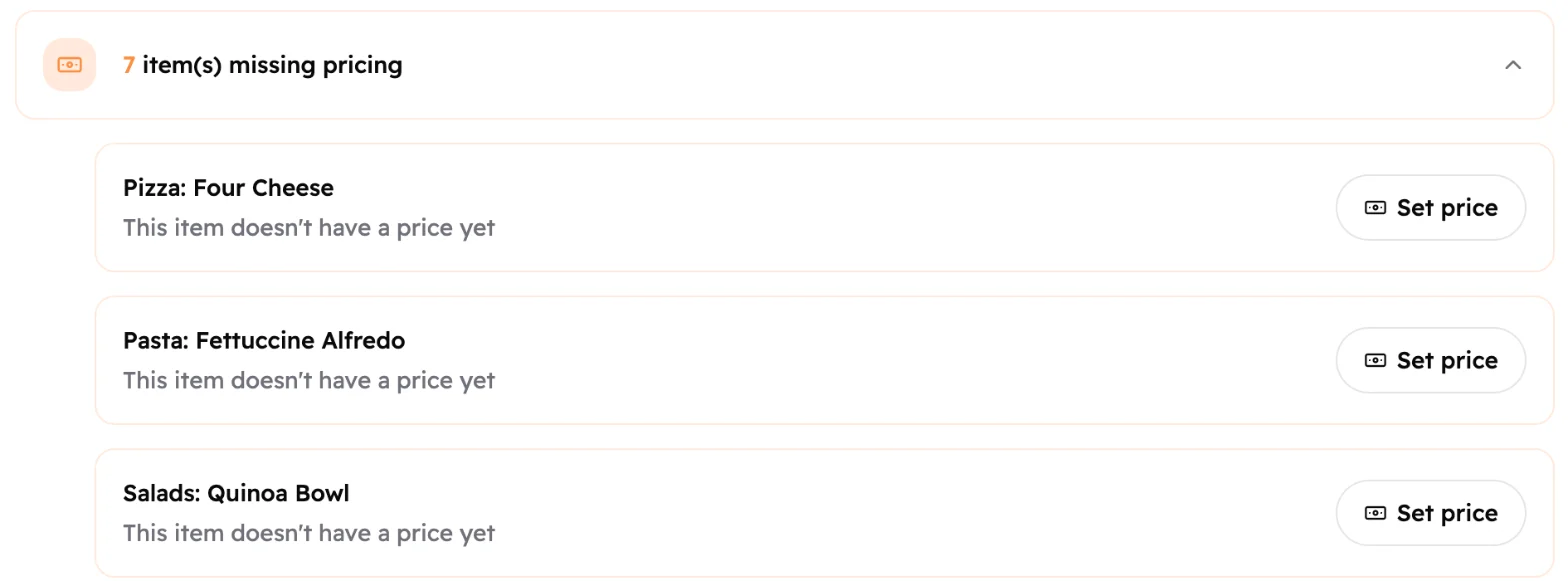 123
123- The open group.
- The section and item, for example "Pizza: Four Cheese".
- Set price opens the item so you can add its price.
- Set price and Edit open the item or section to fill in what's missing.
- Add Image lets you pick a photo straight away. See Item photos.
- For an empty section, Go to Menu Crafting takes you to it in Craft, and Remove takes it off your menu.
When you're done, tap Publish at the bottom right.
Good to know
Fixed lines disappear from the list straight away.
If nothing is missing, Menuzi skips Review and takes you straight to Publish.
Without Menus Lite, you see only the first group. Publishing works the same either way.