
Social and contact links
Menus LiteLet guests find you on Instagram, message you on WhatsApp or call you, straight from your menu.
Where to find it:
- Design
- Social & contact channels
Add your links
- In Design, scroll down to Social & contact channels.
- Tap a channel, for example Instagram.
- Type your link, email or number in the box below the tiles.
- Repeat for every channel you want.
- Leave Design, for example by tapping SEO, to save.
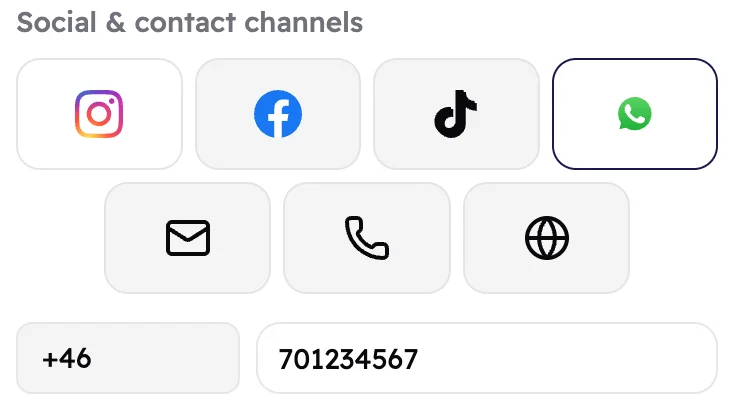 123
123- Instagram, Facebook, TikTok, WhatsApp, email, phone and website. Tap one to type its link.
- For WhatsApp and phone, your country's code is filled in for you.
- Type the rest of the number.
What guests see
Your channels show as icons at the bottom of your menu. Guests tap one to open it.
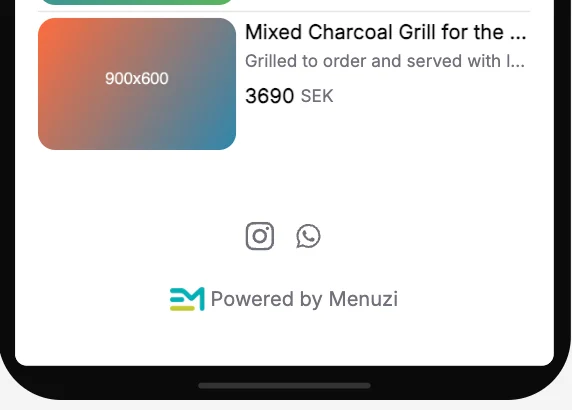 1
1- Your Instagram and WhatsApp icons.
Good to know
Copy the link from your Instagram, Facebook or TikTok profile and paste it in. If a link isn't
right, Menuzi tells you before you can move on to the next step.
Guests see your links after you publish again.